Submit the application
Pay the non-refundable $75 application fee
Background check
Keys
Application review
Background Check (included)
Credit
Criminal
Eviction
Application review
Accepted: Lease is sent
Denied: Email sent
If accepted, lease will be sent to be completed
Pay security deposit and first month’s rent
Complete onboarding process
Provide proof of insurance
Property walkthrough
Review policies
Setup app/website and activate access
Send an activation email or text to access the Online Tenant Portal
Language can be changed to Spanish
Receive key to move in
Move in
Rent and other fees can be paid through the MRI website
Online Tenant Portal on the MRI website:
Login to your Online Tenant Portal.
Choose Maintenance and then Request Maintenance.
Describe the situation, choose N/A for entry and click Submit Request.
Your account will be billed the “lost key” rate once the key is delivered.
Note: If Tenant loses the key (or access card) to the Premises and needs a replacement key or access card, Tenant shall pay Landlord $50.00 prior to receiving a replacement key/card.*
***Please refer to Article XVII: Miscellaneous in the Commercial Lease Agreement for clarification
Submit maintenance requests directly to your property manager along with photos of the issue. Please Note, if you do not see this task, contact your property manager as this feature may not be enabled for their account.
Navigate to the Maintenance tab, and select Request Maintenance.
Enter a detailed description of the issue, upload one or more photos of the item needing attention (must select multiple photos at once from computer or camera roll), decide whether or not to give the property manager permission to enter with their key, then click Submit Request.
On the next screen, select when a maintenance tech can address your maintenance issue. If you choose to provide preferred times, select 3 or more time slots, then click Submit.
Note: Tenant’s responsibilities include the repair and replacement of all lighting, heating, air conditioning, plumbing and other electrical, mechanical and electromotive installation, equipment and fixtures and also include all utility repairs in ducts, conduits, pipes and wiring, and any sewer stoppage and plumbing repairs for such items located in, under and above the Premises or that are exclusive to the Premises.*
***Please refer to Article 10: Care and Maintenance of Premises in the Commercial Lease Agreement for a complete description of tenant’s maintenance responsibilities.
No pets of any kind are allowed. Because this is a commercial project, with various industrial and commercial activities, dogs and other pets are not allowed under any circumstances. Tenant shall pay Landlord a $500 fine for each violation of this provision.
Please refer to Article VII: Use of Premises in the Commercial Lease Agreement for clarification.
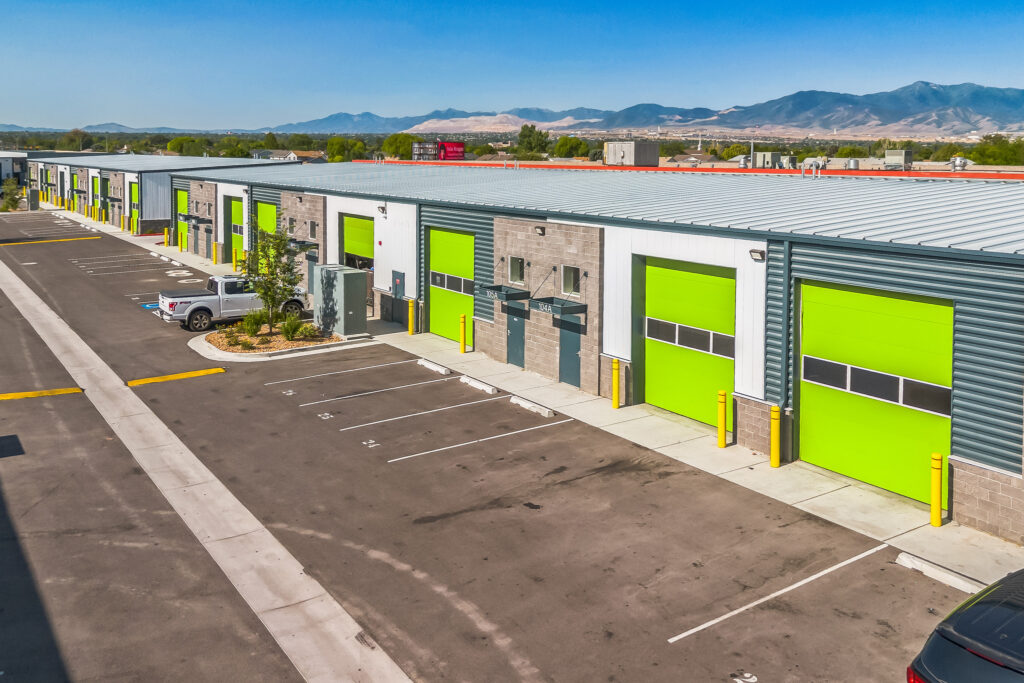
Flexible layouts, heavy-duty features, and room to grow—everything you need to bring your craft to life, without compromise.